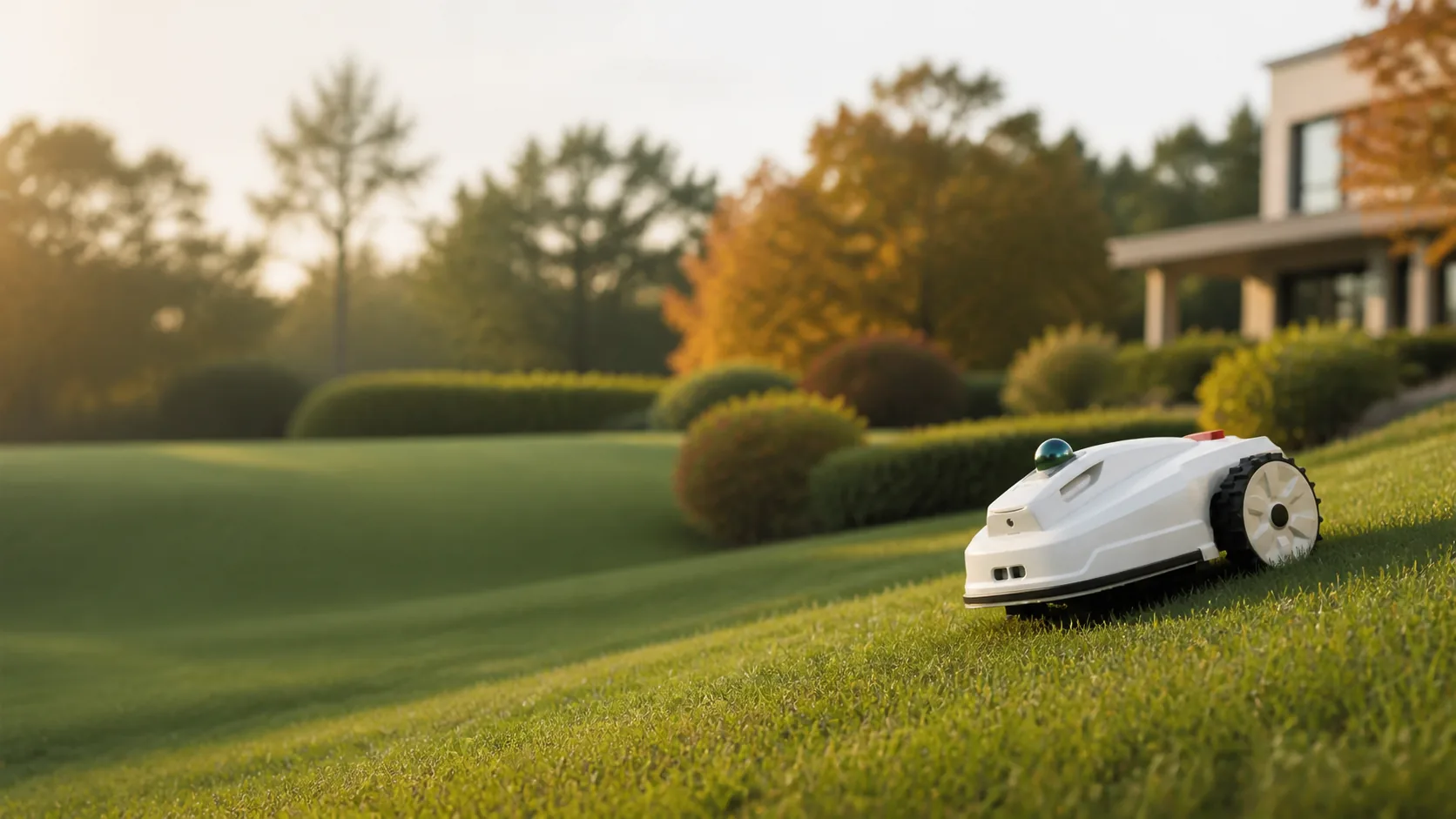
Automate More of Your Field-Marking Workflow
PaintMaster Pro
Make Line Marking Easier Than Ever Before.
Automate More of Your Field-Marking Workflow
Make Line Marking Easier Than Ever Before.
Less operator input, lower paint consumption and more fields per charge translate autonomous marking into measurable operational gains.

90%+
Less Labour Required

50%+
Lower Paint Consumption

15+
Full-Size Pitches per Charge
Too much time is spent setting up repeat marking jobs.
Layout errors waste paint, labour, and valuable field time.
Manual supervision and task interruptions limit daily productivity.
Arrive with key components installed, core software calibrated and connectivity built in.
Walk the site with V4e Pro to record corners, goalposts and permanent reference points.
Choose a template or create a custom layout, then review the field, route and task order.
Send the task and let PaintMaster Pro follow the planned route.
Faster Deployment

Key components are installed and core software calibration is completed before shipment, reducing on-site assembly and initial adjustment.

Two factory-installed SIM cards simplify activation and access to supported mobile connectivity and RTK correction services.

Walk the site to capture corners, goalposts and permanent reference points without driving the robot to every location.
Autonomous route planning delivers a precise, even finish with less manual work.


When paint runs low, the robot can return to a designated refill point and continue the unfinished task after refilling.
Define transition routes between compatible fields so the robot can move between working areas with less manual driving.
Assign and monitor tasks across multiple robots when marking schedules scale up.


Autonomous marking
Book an on-field demonstration to see how PaintMaster Pro fits your field layouts, marking schedule and operating workflow.
Learn More