FJD Landschaftsbau-Support
Lösen Sie ein Problem, lesen Sie Expertentipps & Anleitungen und erhalten Sie schnelleren & besseren Support.
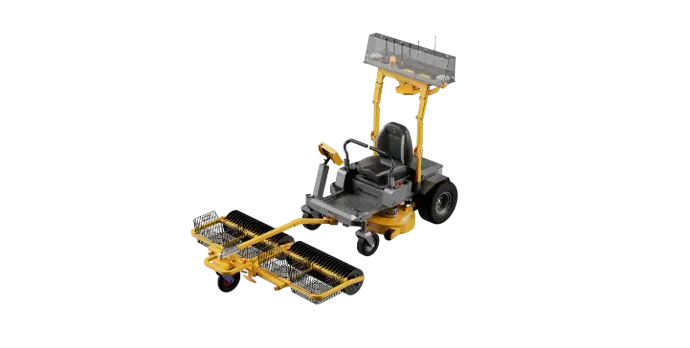
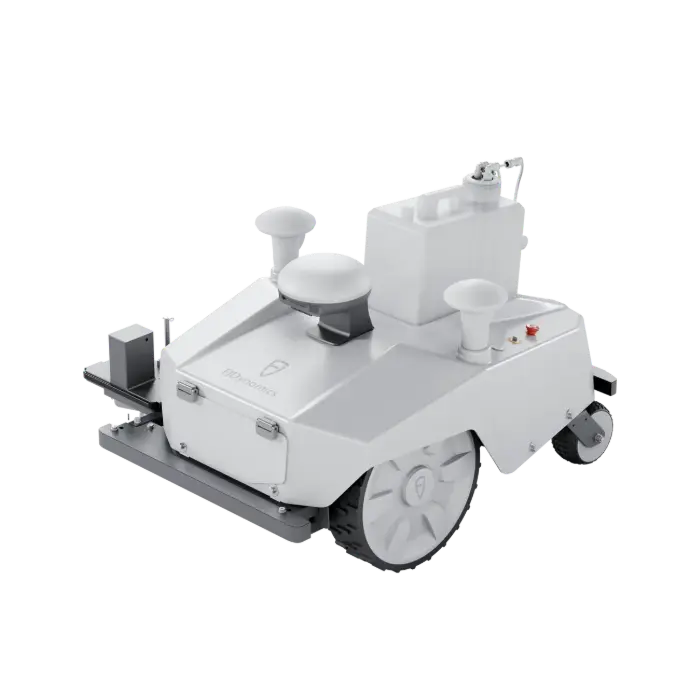
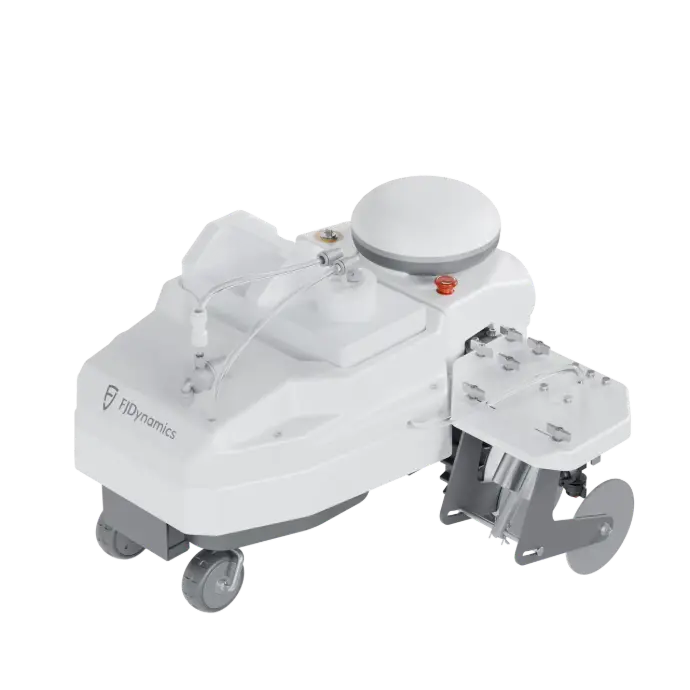
Bequemer Service

After-Sales-Richtlinie


Versandrichtlinie
App-Download und Nutzung

FJDLandscaping
App-Funktionen und Beschreibung. Scannen Sie den QR-Code, um die App herunterzuladen, klicken Sie in der Navigationsleiste auf Service-Support und erhalten Sie sofort Hilfe.

Sveabot
App-Funktionen und Beschreibung. Scannen Sie den QR-Code, um die App herunterzuladen, klicken Sie in der Navigationsleiste auf Service-Support und erhalten Sie sofort Hilfe.
Häufig gestellte Fragen
Wie richte ich eine Basisstation ein?
1.Bestätigen Sie, dass die Begrenzungslinie verlegt wurde: Stellen Sie sicher, dass die Begrenzungslinie des vorgesehenen Arbeitsbereichs für den Roboter (in der Regel unterirdisch verlegte oder auf dem Boden befestigte Kabel) korrekt installiert und eingeschaltet wurde.
2.Reinigung des Rasens: Entfernen Sie vor dem ersten Start Steine, Äste, Spielzeug und andere Fremdkörper vom Rasen, um Schäden an der Maschine oder ein Blockieren zu verhindern.
3.Gehäuse prüfen: Stellen Sie sicher, dass der Roboter keine erheblichen Schäden aufweist und die Klingen sicher montiert sind (wenn er zum ersten Mal verwendet wird).
Muss ich vor der Verwendung des Roboters unterirdische Begrenzungsdrähte installieren?
Nein. FJD-Roboter sind nicht auf vergrabene Drähte angewiesen.
Die Grenzen werden in der App digital festgelegt, indem der Umfang einmal zu Fuß oder fahrend abgegangen wird.
Gibt es Vorsichtsmaßnahmen, die bei der Wartung oder Reinigung des Roboters zu beachten sind?
- Schalten Sie den Mäher zuerst aus;
- Tragen Sie zur Reinigung Arbeitsschuhe, lange Hosen und Handschuhe. Reinigen Sie aus Sicherheitsgründen nicht barfuß oder mit offenen Sandalen.
- Reinigen Sie das Äußere des Mähers gründlich mit einer weichen Bürste oder einem Tuch. Reinigen Sie nicht mit Alkohol, Benzin, Aceton oder anderen korrosiven/flüchtigen Lösungsmitteln, da diese das Äußere und Innere des Mähers beschädigen können;
- Für ein ordnungsgemäßes Andocken die Ladestation regelmäßig auf Schmutz und Schlamm prüfen und reinigen. Stellen Sie sicher, dass alle Verbindungsteile der Ladestation, Verlängerungskabel und die Stromversorgung nicht blockiert sind;
- Überprüfen Sie die Grundplatte und die Klingen, verwenden Sie keinen Schlauch zum Abspülen und wischen Sie sie vorsichtig ab. Stellen Sie sicher, dass sich die Messerscheibe frei dreht und die Klingen nach Abschluss der Reinigung frei schwenken können;
- Überprüfen Sie die Räder regelmäßig darauf, ob sie blockiert sind, entfernen Sie den Schlamm und schmieren Sie die Räder;
- Reinigen Sie das Kameramodul, um Blockierungen bei der visuellen Bildpositionierung und der visuellen Erkennungsfunktion zu vermeiden;
- Nachdem alle Reinigungen abgeschlossen sind, starten Sie den Mäher. Wenn er normal starten und arbeiten kann, ist die Reinigung abgeschlossen.
Wie sollte das Gerät langfristig gelagert werden, insbesondere im Winter?
- Lagern Sie die Basisstation, Ladestation und den Roboter bei normaler Raumtemperatur im Innenbereich.
- Entfernen Sie den Akku des Roboters und lagern Sie ihn vor der Langzeitlagerung bei 30–60 % Ladung .
Wie sollte ich mit beschädigten Teilen umgehen?
- Bei Artikeln innerhalb der Garantie senden Sie die beschädigte Komponente an Ihren lokalen Händler — Ersatz oder Reparatur wird über den Händler und den Hersteller organisiert.
- Bei Artikeln, die nicht von der Garantie abgedeckt sind , kaufen Sie Ersatzteile bei einem autorisierten Händler und tauschen Sie sie bei Bedarf aus.
Muss ich nach jedem Einsatz Gras aus dem Inneren des Mähers entfernen? Wie oft sollte ich ihn reinigen?
- In den meisten Fällen ist eine Reinigung nicht nach jedem Einsatz erforderlich .
- Wenn sich jedoch Grasansammlungen bilden, die die Mähkammer blockieren oder das Drehen der Klingen verhindern, sollte der Mäher umgehend gereinigt werden.
Wie kann ich Feedback geben oder ein Problem melden?
Sie können Probleme über einen der folgenden Kanäle melden:
- Kontaktieren Sie Ihren lokalen FJD-Händler
- Senden Sie Feedback über die offizielle FJD-Website
- Nutzen Sie die Feedback- und Support-Oberfläche direkt über Ihren lokalen FJD-Händler.
Was soll ich tun, wenn ich das Produkt nach der Installation nicht verwenden kann?
- Sehen Sie sich das Installationsvideo an;
- Montieren Sie den Mäher und bedienen Sie ihn wie im Video beschrieben;
- Wenn der Mäher nicht normal funktioniert, folgen Sie den Anweisungen in der APP zur Fehlerbehebung;
- Wenn das Problem weiterhin besteht, laden Sie das Fehlerprotokoll aus der APP herunter und an den Hersteller zur Fernfehlerbehebung hoch;
- Wenn die Fernfehlerbehebung nicht funktioniert, wenden Sie sich an Ihren lokalen Händler für eine Vor-Ort-Inspektion des Mähers;
- Wenn das Problem nach dem Ausprobieren aller oben genannten Methoden weiterhin besteht, können Sie die Rückgabe & den Austausch des Mähers beantragen.
Wie kann ich Feedback geben oder ein Problem melden?
Sie können Probleme über einen der folgenden Kanäle melden:
- Kontaktieren Sie Ihren lokalen FJD-Händler
- Senden Sie Feedback über die offizielle FJD-Website
- Nutzen Sie die Feedback- und Support-Oberfläche direkt über Ihren lokalen FJD-Händler.
Was soll ich tun, wenn ich das Produkt nach der Installation nicht verwenden kann?
- Sehen Sie sich das Installationsvideo an;
- Montieren Sie den Mäher und bedienen Sie ihn wie im Video beschrieben;
- Wenn der Mäher nicht normal funktioniert, folgen Sie den Anweisungen in der APP zur Fehlerbehebung;
- Wenn das Problem weiterhin besteht, laden Sie das Fehlerprotokoll aus der APP herunter und an den Hersteller zur Fernfehlerbehebung hoch;
- Wenn die Fernfehlerbehebung nicht funktioniert, wenden Sie sich an Ihren lokalen Händler für eine Vor-Ort-Inspektion des Mähers;
- Wenn das Problem nach dem Ausprobieren aller oben genannten Methoden weiterhin besteht, können Sie die Rückgabe & den Austausch des Mähers beantragen.
Wie richte ich eine Basisstation ein?
1.Bestätigen Sie, dass die Begrenzungslinie verlegt wurde: Stellen Sie sicher, dass die Begrenzungslinie des vorgesehenen Arbeitsbereichs für den Roboter (in der Regel unterirdisch verlegte oder auf dem Boden befestigte Kabel) korrekt installiert und eingeschaltet wurde.
2.Reinigung des Rasens: Entfernen Sie vor dem ersten Start Steine, Äste, Spielzeug und andere Fremdkörper vom Rasen, um Schäden an der Maschine oder ein Blockieren zu verhindern.
3.Gehäuse prüfen: Stellen Sie sicher, dass der Roboter keine erheblichen Schäden aufweist und die Klingen sicher montiert sind (wenn er zum ersten Mal verwendet wird).
Wie richte ich eine Basisstation ein?
1.Bestätigen Sie, dass die Begrenzungslinie verlegt wurde: Stellen Sie sicher, dass die Begrenzungslinie des vorgesehenen Arbeitsbereichs für den Roboter (in der Regel unterirdisch verlegte oder auf dem Boden befestigte Kabel) korrekt installiert und eingeschaltet wurde.
2.Reinigung des Rasens: Entfernen Sie vor dem ersten Start Steine, Äste, Spielzeug und andere Fremdkörper vom Rasen, um Schäden an der Maschine oder ein Blockieren zu verhindern.
3.Gehäuse prüfen: Stellen Sie sicher, dass der Roboter keine erheblichen Schäden aufweist und die Klingen sicher montiert sind (wenn er zum ersten Mal verwendet wird).
Wie richte ich eine Basisstation ein?
1.Bestätigen Sie, dass die Begrenzungslinie verlegt wurde: Stellen Sie sicher, dass die Begrenzungslinie des vorgesehenen Arbeitsbereichs für den Roboter (in der Regel unterirdisch verlegte oder auf dem Boden befestigte Kabel) korrekt installiert und eingeschaltet wurde.
2.Reinigung des Rasens: Entfernen Sie vor dem ersten Start Steine, Äste, Spielzeug und andere Fremdkörper vom Rasen, um Schäden an der Maschine oder ein Blockieren zu verhindern.
3.Gehäuse prüfen: Stellen Sie sicher, dass der Roboter keine erheblichen Schäden aufweist und die Klingen sicher montiert sind (wenn er zum ersten Mal verwendet wird).
Wie richte ich eine Basisstation ein?
1.Bestätigen Sie, dass die Begrenzungslinie verlegt wurde: Stellen Sie sicher, dass die Begrenzungslinie des vorgesehenen Arbeitsbereichs für den Roboter (in der Regel unterirdisch verlegte oder auf dem Boden befestigte Kabel) korrekt installiert und eingeschaltet wurde.
2.Reinigung des Rasens: Entfernen Sie vor dem ersten Start Steine, Äste, Spielzeug und andere Fremdkörper vom Rasen, um Schäden an der Maschine oder ein Blockieren zu verhindern.
3.Gehäuse prüfen: Stellen Sie sicher, dass der Roboter keine erheblichen Schäden aufweist und die Klingen sicher montiert sind (wenn er zum ersten Mal verwendet wird).
Wie richte ich eine Basisstation ein?
1.Bestätigen Sie, dass die Begrenzungslinie verlegt wurde: Stellen Sie sicher, dass die Begrenzungslinie des vorgesehenen Arbeitsbereichs für den Roboter (in der Regel unterirdisch verlegte oder auf dem Boden befestigte Kabel) korrekt installiert und eingeschaltet wurde.
2.Reinigung des Rasens: Entfernen Sie vor dem ersten Start Steine, Äste, Spielzeug und andere Fremdkörper vom Rasen, um Schäden an der Maschine oder ein Blockieren zu verhindern.
3.Gehäuse prüfen: Stellen Sie sicher, dass der Roboter keine erheblichen Schäden aufweist und die Klingen sicher montiert sind (wenn er zum ersten Mal verwendet wird).
Wie richte ich eine Basisstation ein?
1.Bestätigen Sie, dass die Begrenzungslinie verlegt wurde: Stellen Sie sicher, dass die Begrenzungslinie des vorgesehenen Arbeitsbereichs für den Roboter (in der Regel unterirdisch verlegte oder auf dem Boden befestigte Kabel) korrekt installiert und eingeschaltet wurde.
2.Reinigung des Rasens: Entfernen Sie vor dem ersten Start Steine, Äste, Spielzeug und andere Fremdkörper vom Rasen, um Schäden an der Maschine oder ein Blockieren zu verhindern.
3.Gehäuse prüfen: Stellen Sie sicher, dass der Roboter keine erheblichen Schäden aufweist und die Klingen sicher montiert sind (wenn er zum ersten Mal verwendet wird).
Wie richte ich eine Basisstation ein?
1.Bestätigen Sie, dass die Begrenzungslinie verlegt wurde: Stellen Sie sicher, dass die Begrenzungslinie des vorgesehenen Arbeitsbereichs für den Roboter (in der Regel unterirdisch verlegte oder auf dem Boden befestigte Kabel) korrekt installiert und eingeschaltet wurde.
2.Reinigung des Rasens: Entfernen Sie vor dem ersten Start Steine, Äste, Spielzeug und andere Fremdkörper vom Rasen, um Schäden an der Maschine oder ein Blockieren zu verhindern.
3.Gehäuse prüfen: Stellen Sie sicher, dass der Roboter keine erheblichen Schäden aufweist und die Klingen sicher montiert sind (wenn er zum ersten Mal verwendet wird).
Wie richte ich eine Basisstation ein?
1.Bestätigen Sie, dass die Begrenzungslinie verlegt wurde: Stellen Sie sicher, dass die Begrenzungslinie des vorgesehenen Arbeitsbereichs für den Roboter (in der Regel unterirdisch verlegte oder auf dem Boden befestigte Kabel) korrekt installiert und eingeschaltet wurde.
2.Reinigung des Rasens: Entfernen Sie vor dem ersten Start Steine, Äste, Spielzeug und andere Fremdkörper vom Rasen, um Schäden an der Maschine oder ein Blockieren zu verhindern.
3.Gehäuse prüfen: Stellen Sie sicher, dass der Roboter keine erheblichen Schäden aufweist und die Klingen sicher montiert sind (wenn er zum ersten Mal verwendet wird).
Wie richte ich eine Basisstation ein?
1.Bestätigen Sie, dass die Begrenzungslinie verlegt wurde: Stellen Sie sicher, dass die Begrenzungslinie des vorgesehenen Arbeitsbereichs für den Roboter (in der Regel unterirdisch verlegte oder auf dem Boden befestigte Kabel) korrekt installiert und eingeschaltet wurde.
2.Reinigung des Rasens: Entfernen Sie vor dem ersten Start Steine, Äste, Spielzeug und andere Fremdkörper vom Rasen, um Schäden an der Maschine oder ein Blockieren zu verhindern.
3.Gehäuse prüfen: Stellen Sie sicher, dass der Roboter keine erheblichen Schäden aufweist und die Klingen sicher montiert sind (wenn er zum ersten Mal verwendet wird).
Neueste Ankündigungen und Veranstaltungen

Kontaktieren Sie uns

Kontakt aufnehmen
Bei Produktfragen, Bestellaktualisierungen oder Unterstützung bei der Fehlerbehebung kontaktieren Sie unser Team per E-Mail.

Service- & Support-E-Mail
Für After-Sales-Anfragen, Garantieleistungen, Rückgabe- oder Umtauschanfragen sowie Unterstützung bei bestehenden Bestellungen.
E-Mail für Kooperationen
Für Medien-, Partnerschafts- oder Vertriebskooperationsmöglichkeiten kontaktieren Sie uns bitte über die E-Mail für Kooperationen.
Unser Business-Development-Team wird so schnell wie möglich antworten.