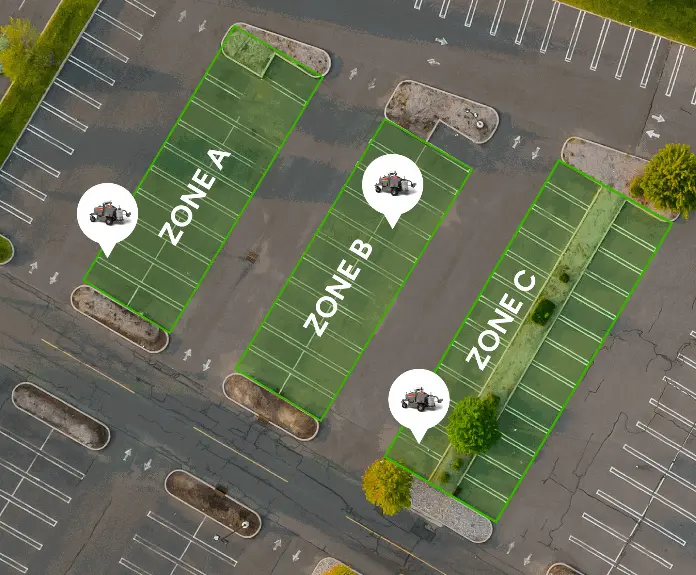
新規レイアウトのライン引き
スキャンした現場データから、駐車区画、矢印、通路、駐車禁止区域、横断歩道を作成します。
FJD PaintMaster Parkingは、完全なデジタルワークフローを基盤として構築された、世界初の高圧式駐車場ライン引きロボットです。FJD Trion S2 Max Scanner、SiteMindのワールドモデル計画、ビジョンベースの位置合わせ、高圧ロボットライン施工を組み合わせ、新規レイアウトのライン施工と既存ラインの再塗装の両方に対応します。現場計測から最終的なライン施工まで、手作業による準備を減らし、より迅速な展開と、より正確で一貫した駐車場マーキングの提供を支援します。
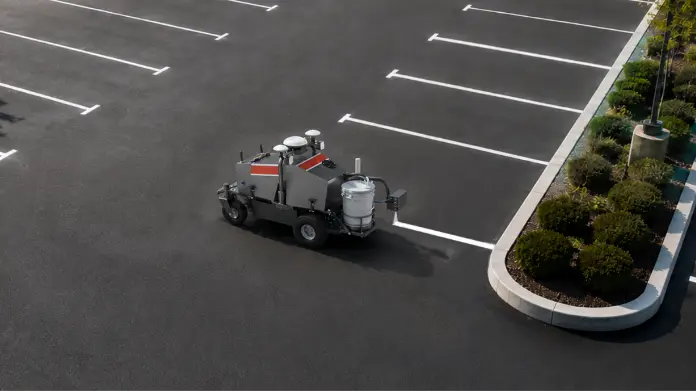
新規レイアウトと再塗装
スキャンした現場データから、駐車区画、矢印、通路、駐車禁止区域、横断歩道を作成します。
AIビジョンベースの位置合わせを使用して、薄くなったラインの縁、中心線、矢印、数字、駐車区画の境界をより一貫して追従します。
さまざまな駐車区画プランや現場要件に対応する標準的な駐車場レイアウトをサポートします。
*特殊記号やカスタムマーキングにはテンプレートが必要な場合があります。

新規レイアウトと再塗装
スキャンした現場データから、駐車区画、矢印、通路、駐車禁止区域、横断歩道を作成します。
AIビジョンベースの位置合わせを使用して、薄くなったラインの縁、中心線、矢印、数字、駐車区画の境界をより一貫して追従します。
さまざまな駐車区画プランや現場要件に対応する標準的な駐車場レイアウトをサポートします。
*特殊記号やカスタムマーキングにはテンプレートが必要な場合があります。

FJD Trion S2 Maxスキャナーを使用して、現場の形状、既存ライン、障害物、路面状態を取得します。
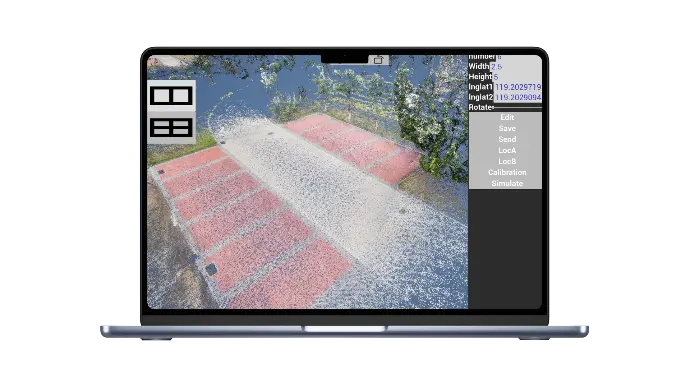
SiteMindで、マーキング、駐車スペース、矢印、通路、境界線、安全ゾーンを再構築します。
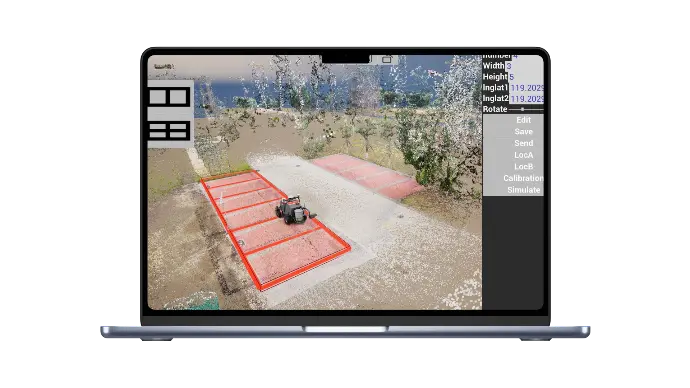
作業開始前に、走行ルート、塗布順序、旋回スペース、障害物回避を確認します。
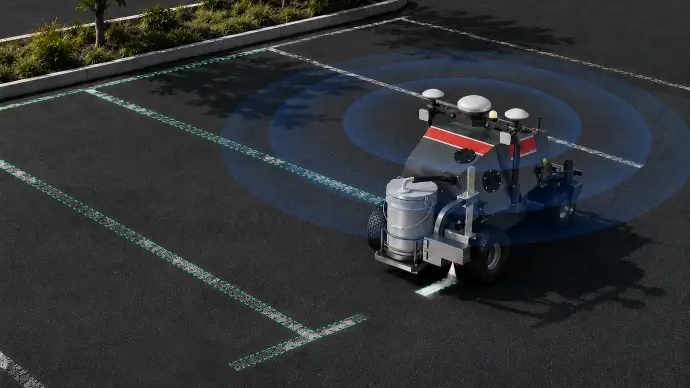
AIビジョンベースの位置合わせを使用して、現場でラインの縁、中心線、矢印、数字、駐車スペースの境界に追従します。
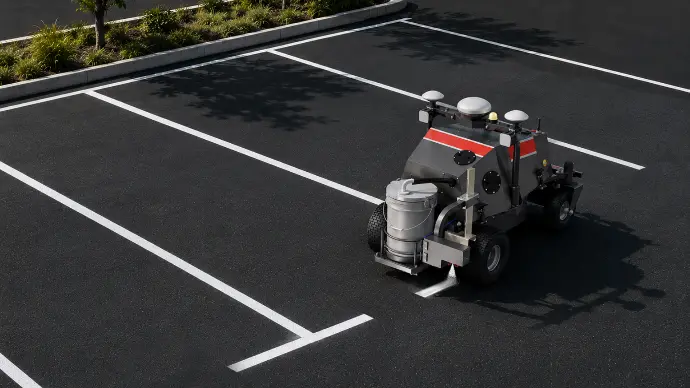
新規レイアウトまたは再塗装作業に対して、高圧ライン施工により一貫した線品質を実現します。
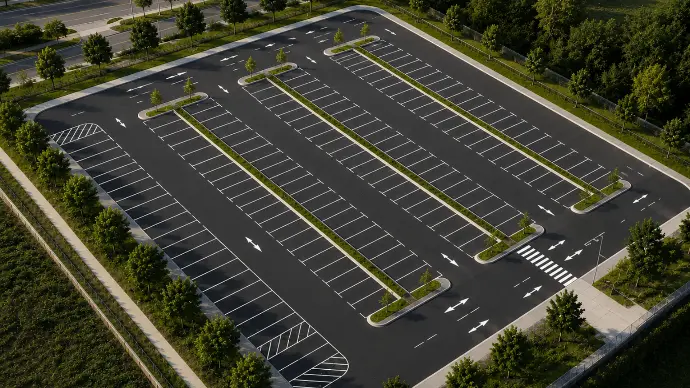
きれいで均一なラインで区画線作業を仕上げ、プロジェクトの引き渡し準備を整えます。
最大 80%以上
省人化
最大5倍
より速い区画線施工
最大50%以上
メンテナンスコストを削減
*性能は現場条件、レイアウトの複雑さ、作業員のワークフロー、運用環境によって異なる場合があります。
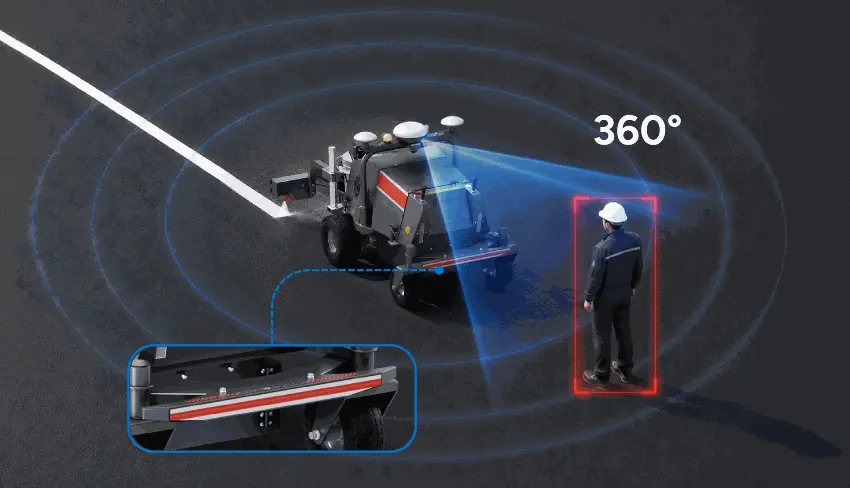
360°のリアルタイム監視と物理的な衝突保護により、開放型駐車エリアでの安全性向上に役立ちます。
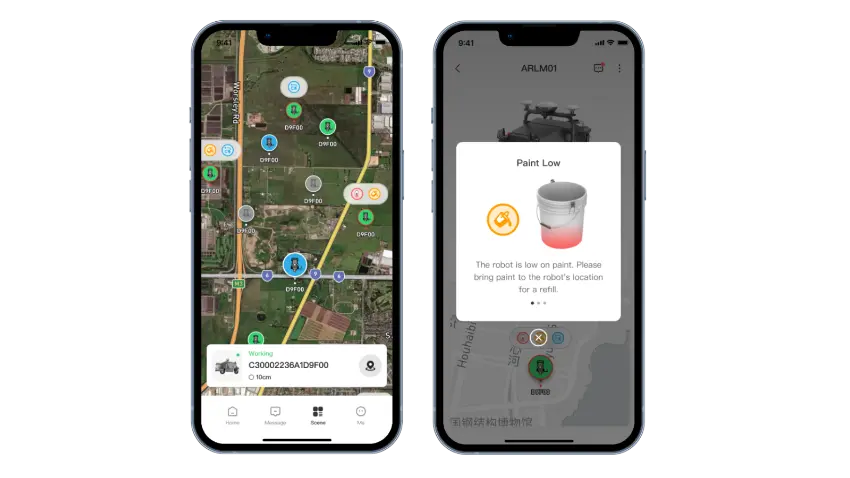
アプリを通じて、機械の状態、区画線施工の進捗、アラートをリアルタイムで追跡できます。
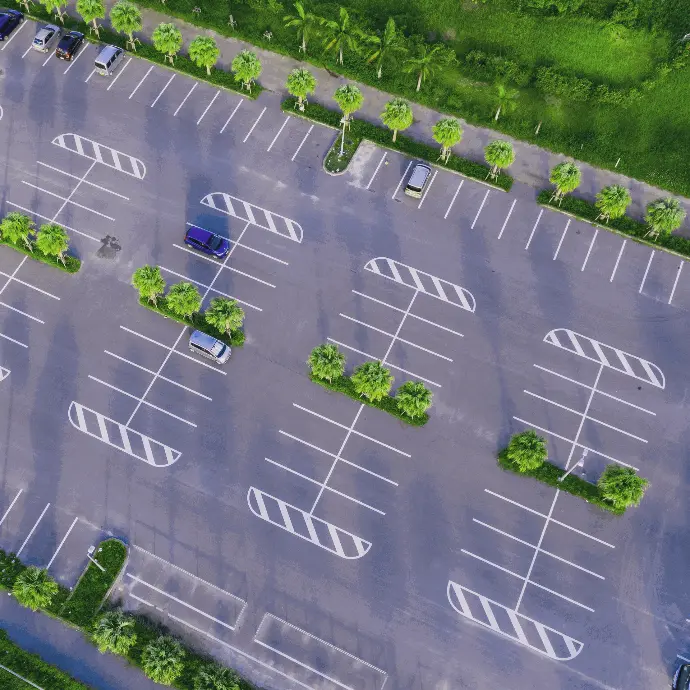
屋外駐車場
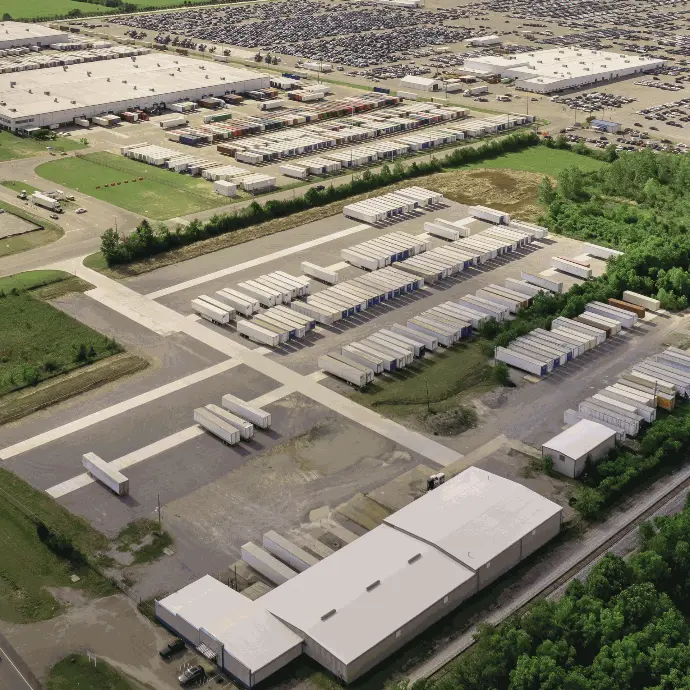
工業団地
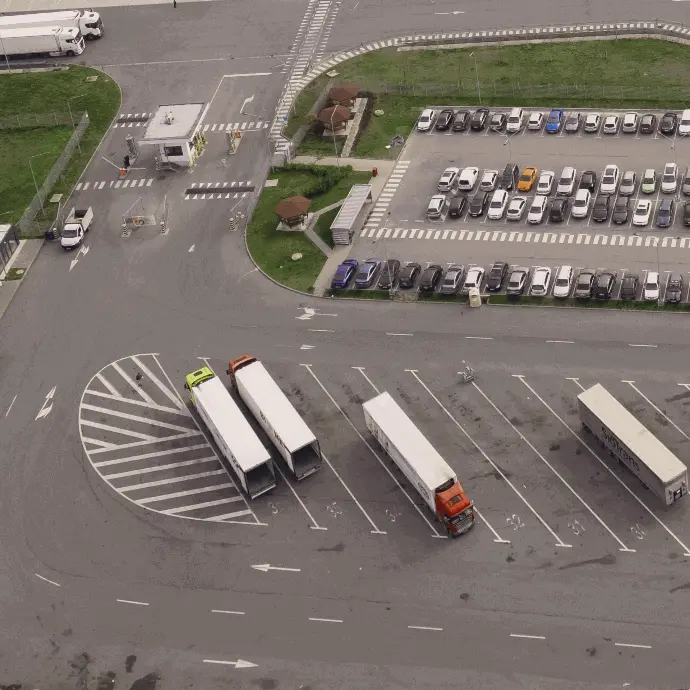
物流パーク&積み込みゾーン
rdens
Learn how to quickly set up and start using our services with our step-by-step onboarding process.
Getting started with our product is a breeze, thanks to our well-structured and comprehensive onboarding process.
We understand that the initial setup can be daunting, especially if you are new to our platform, so we have designed a step-by-step guide to walk you through every stage, ensuring that you can hit the ground running.
The first step in the onboarding process is account creation. This involves signing up on our platform using your email address or social media accounts. Once you’ve created an account, you will receive a confirmation email with a link to activate your account. Upon activation, you’ll be prompted to complete your profile, which includes setting up your preferences, adding any necessary payment information, and selecting the initial features or modules you wish to use.
Next, you will be introduced to our setup wizard, which is designed to guide you through the basic configuration of the platform. The wizard will help you configure essential settings such as language, time zone, and notifications.
We are committed to continuous improvement, regularly releasing updates and new features based on user feedback and technological advancements.
Our development team works tirelessly to enhance the platform's performance, security, and functionality, ensuring it remains at the cutting edge of innovation.
Each update is thoroughly tested to guarantee compatibility and reliability, and we provide detailed release notes to keep you informed of new features and improvements.
Users can participate in beta testing programs, providing feedback on upcoming releases and influencing the future direction of the platform. By staying current with updates, you can take advantage of the latest tools and features, ensuring your business remains competitive and efficient.
We are committed to providing exceptional support and resources to help you succeed with our platform.
Our support team is available 24/7 to assist with any issues or questions you may have, ensuring that help is always within reach.
Additionally, we offer a comprehensive knowledge base, including detailed documentation, video tutorials, and community forums where you can connect with other users and share insights.
We also provide regular updates and new features based on user feedback, ensuring that our platform continues to evolve to meet your needs.